One idea.
The right expression.
An image to establish the space. A sequence to explain the movement. An environment to explore. Choose what helps your audience understand; we shape the delivery around it.
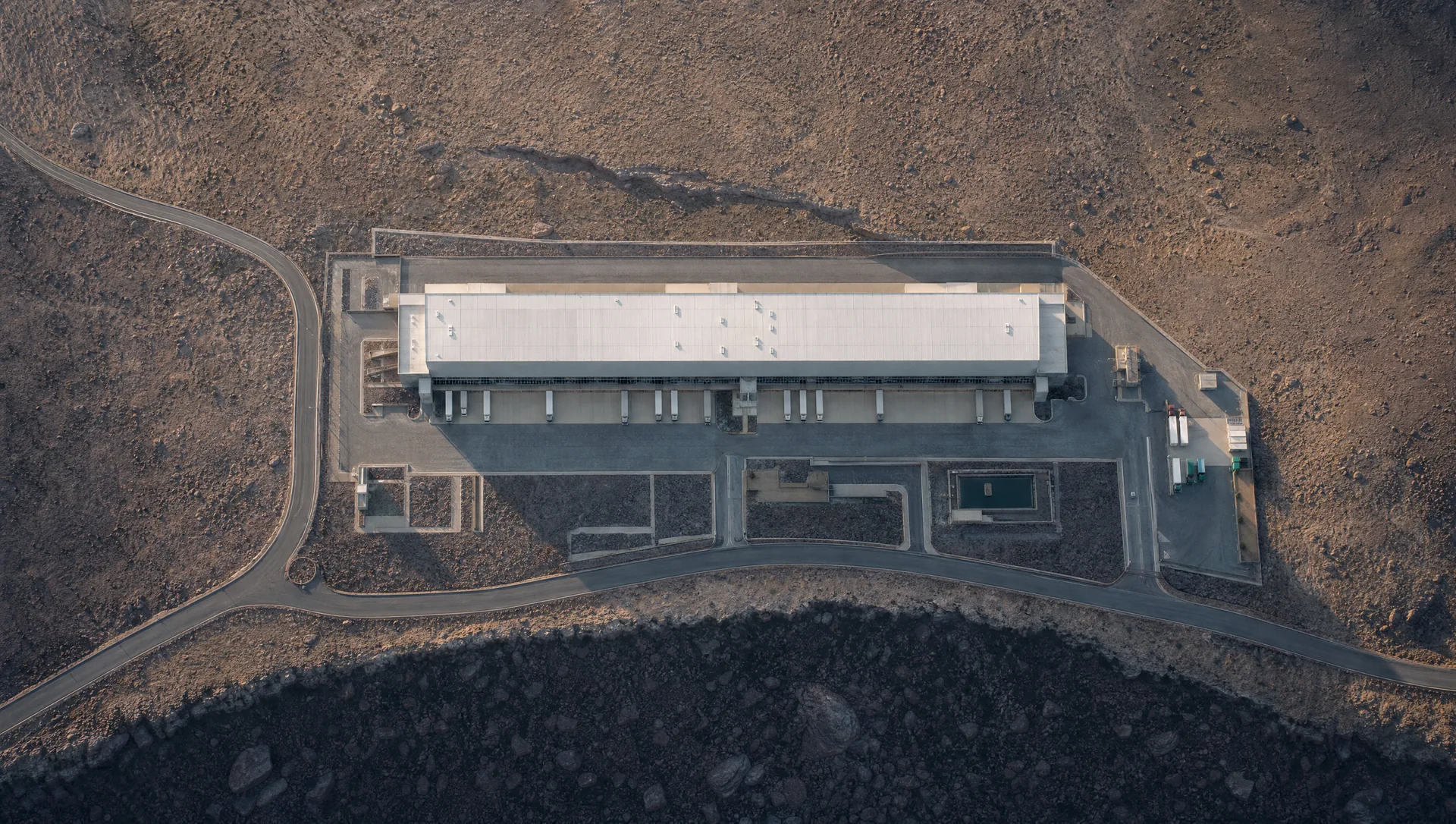
The considered image.
A complete overview or a closer look at a particular relationship. Useful for layout discussions, proposals and presentations where everyone needs to see the same view.
- The format
- JPG or PNG, at agreed dimensions. Labelled and clean versions can be scoped together.
- The review
- Agree the views, focal areas, labels and source dimensions before the final render.
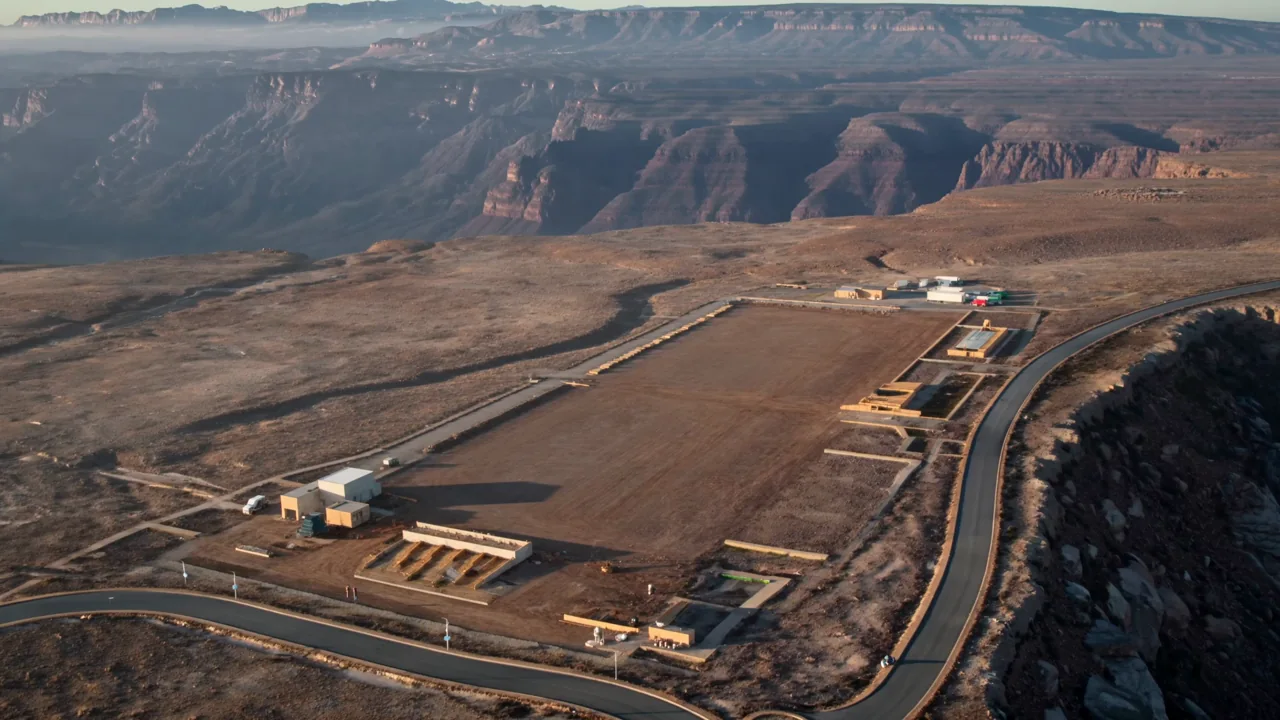
The sequence, understood.
An operation told in stages. Show how a site develops, how a load moves or how a proposed workflow fits together, with pauses and labels where the audience needs them.
- The format
- MP4 in an agreed resolution, aspect ratio and duration. Captions, narration and additional cuts are scoped separately.
- The review
- Confirm the storyboard and stage order first, then review timing, labels and finish.
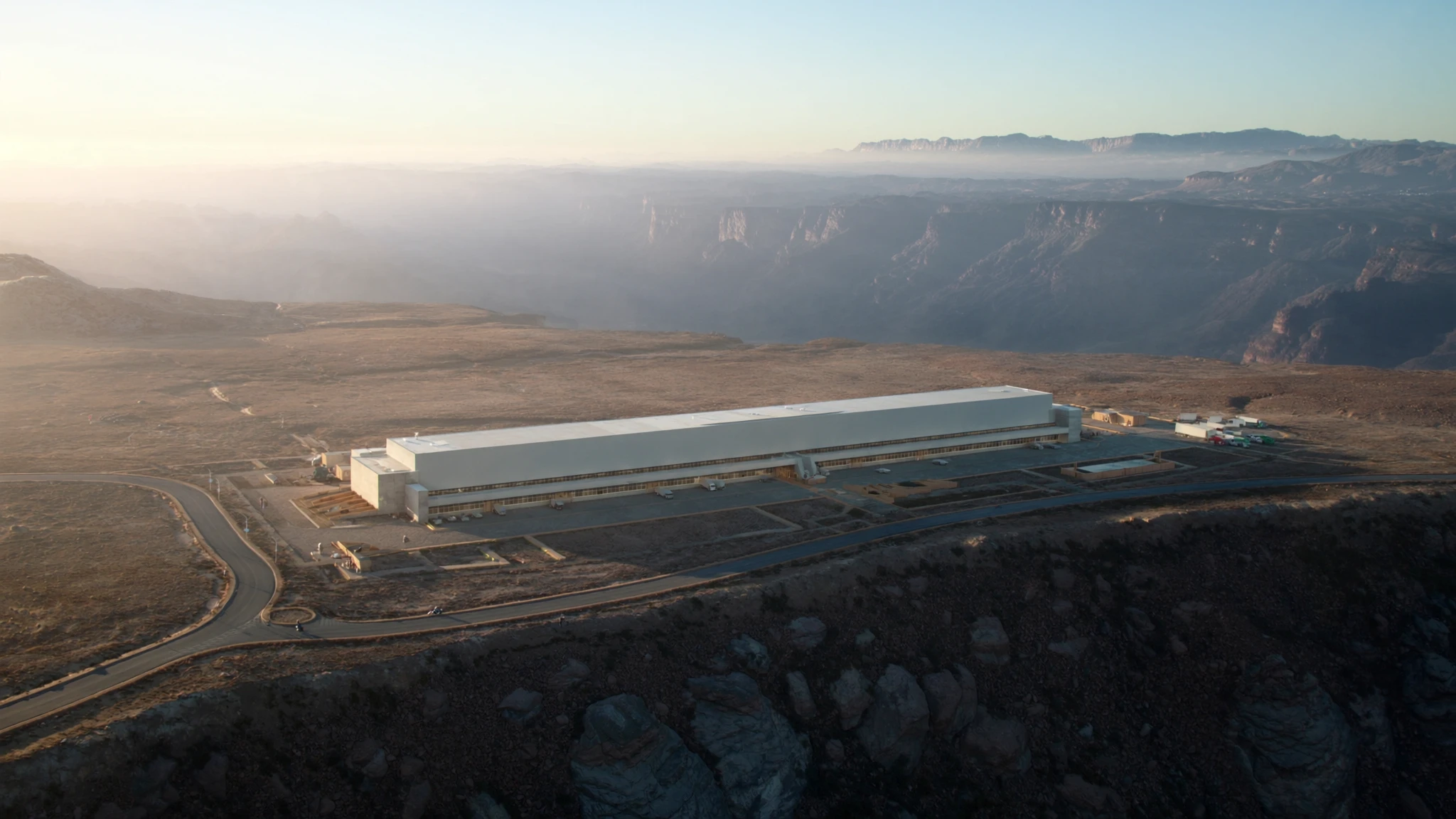
Room to explore.
A scene the viewer can rotate and inspect at their own pace. Useful when a discussion needs another angle, or several parts of a site need to be seen together.
- The format
- An optimized GLB and/or a browser viewing environment, as agreed. Named views, annotations and other interactions depend on scope.
- The review
- Agree the model detail, viewing controls, expected devices and any required offline use.
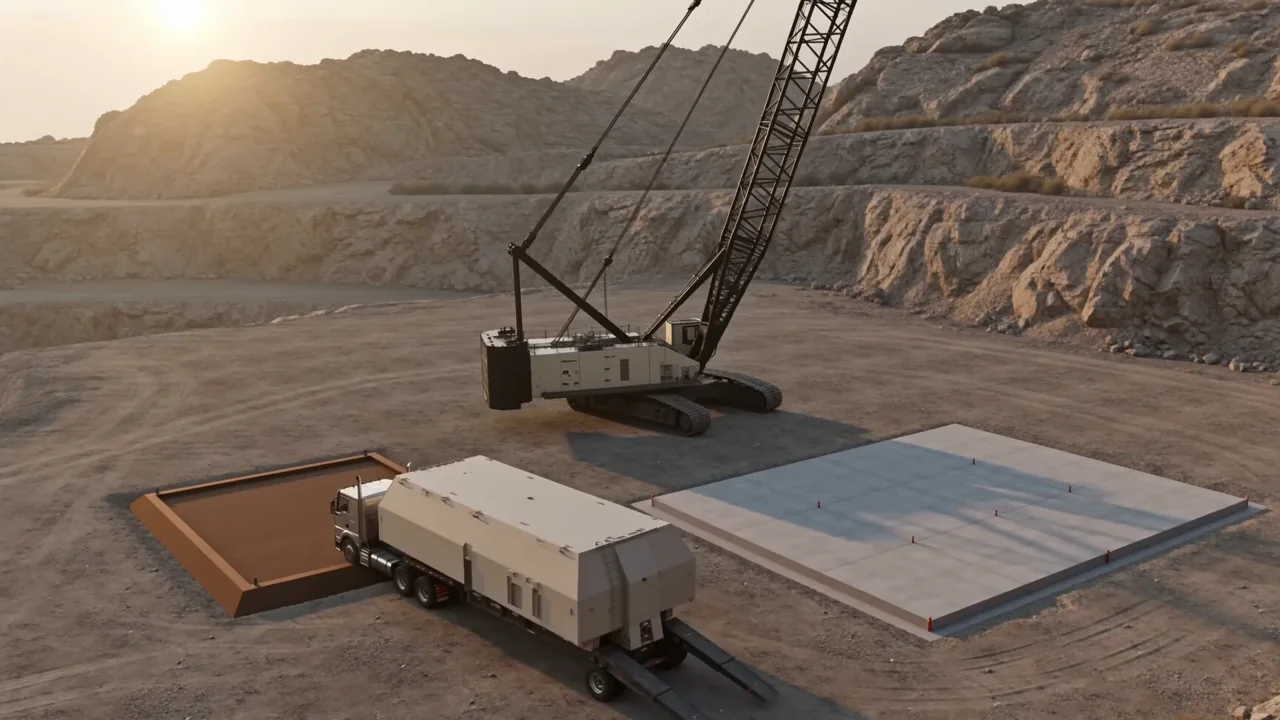
The story, in one place.
Selected views, stage references and a visual explanation assembled into a presentation. A useful companion to the method and documents your project team already owns.
- The format
- A PDF visual pack with agreed stills and labels. Editable slides or source files are included only when specified.
- The review
- Check document revision references, terminology and the distinction between confirmed information and illustrative content.
Made for your
next conversation.
Tell us where the work will be seen: on a meeting-room screen, inside a bid, in a client presentation or during a site discussion. Resolution, file size, labels and playback should serve that setting.
A defined handover
Your quote specifies the output count, resolutions, film duration, included revision rounds and delivery method. Where several outputs share a scene, we agree them together so the production can support each one.
Agree specialist requirements early
Editable Blender scenes, CAD or BIM exports, live data, simulation, VR and specialist integrations are not implied by a visualization brief. Tell us what you need so we can assess feasibility and scope it explicitly.
Keep the source of truth clear
These are presentation deliverables. Labels and dimensions refer to the information supplied and reviewed by your team; imagery and animation do not certify a method, clearance or site arrangement.